
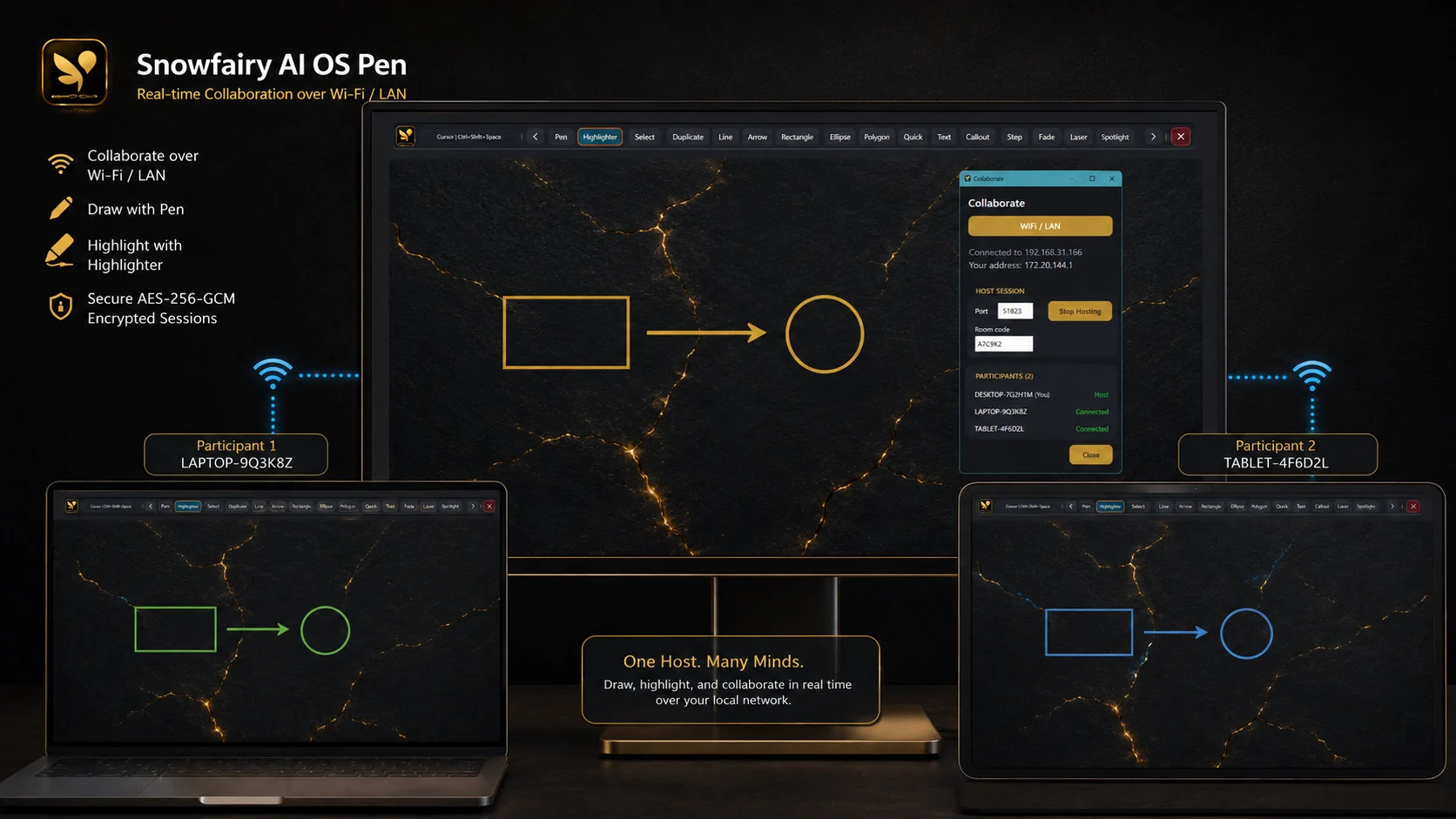
Screen sharing shows a design, but spoken directions such as ‘the button near the lower-right corner’ still create ambiguity. OS Pen's Wi-Fi/LAN Collaboration gives supported devices a shared annotation layer so feedback can be placed directly on the object being discussed.
A practical design-review workflow
- The Windows presenter opens the design, document, browser or prototype that needs review.
- From OS Pen, the presenter opens Collaboration and starts a local Wi-Fi/LAN session.
- Participants on the same network join with the room details supplied by the host.
- Use a consistent color per participant or feedback category so ownership stays understandable.
- Mark exact locations with arrows, rectangles, highlights or short callouts, then capture or export the agreed result.
Where it is useful
- Interface and website reviews where visual spacing, alignment and interaction targets need precise feedback
- Architecture, engineering and CAD walkthroughs where reviewers must point to exact areas
- Team retrospectives and planning sessions on a shared whiteboard
- Classroom or training sessions where participants solve a problem together
- Local meetings where privacy or connection quality makes an internet-hosted annotation service undesirable
Network and session expectations
All participants must be reachable on the same local network. Session capacity and smoothness depend on Wi-Fi quality, router configuration, firewall policy and the participating devices. A room code should be shared only with intended participants and a new session should be created for a new audience.
Wi-Fi/LAN Collaboration is provided to eligible Premium users as a complimentary Beta feature. Availability and performance can depend on the local network and device configuration.
Host and participant responsibilities
The host controls when the session starts and ends. Before presenting sensitive material, confirm who has joined, close unrelated windows and use OS Pen's capture/redaction tools before sharing any exported image or PDF outside the meeting.